
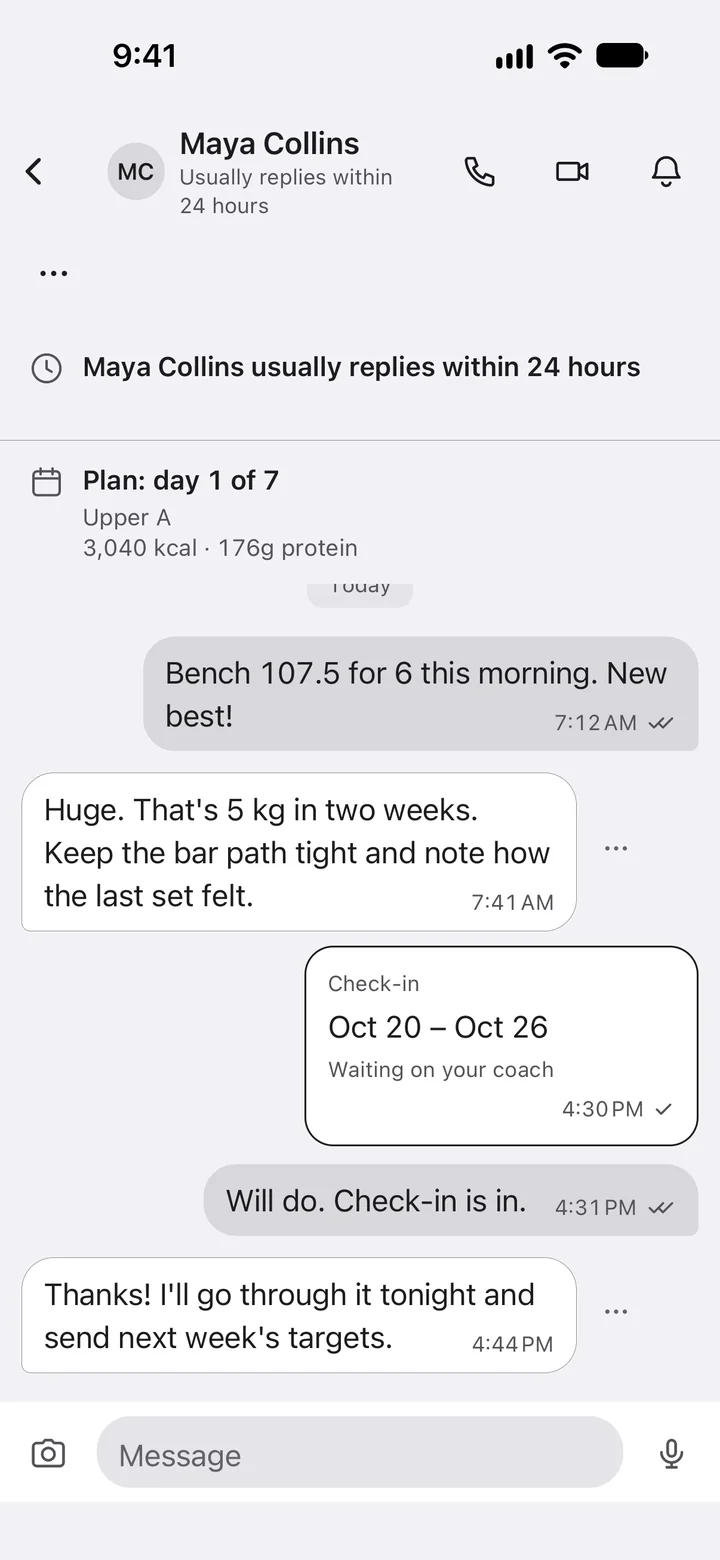
Chat and calls in one thread.
Messages, voice notes, voice and video calls.
 Zefro for coaches
Your clients log in to Zefro. You see all of it, and coach right there.
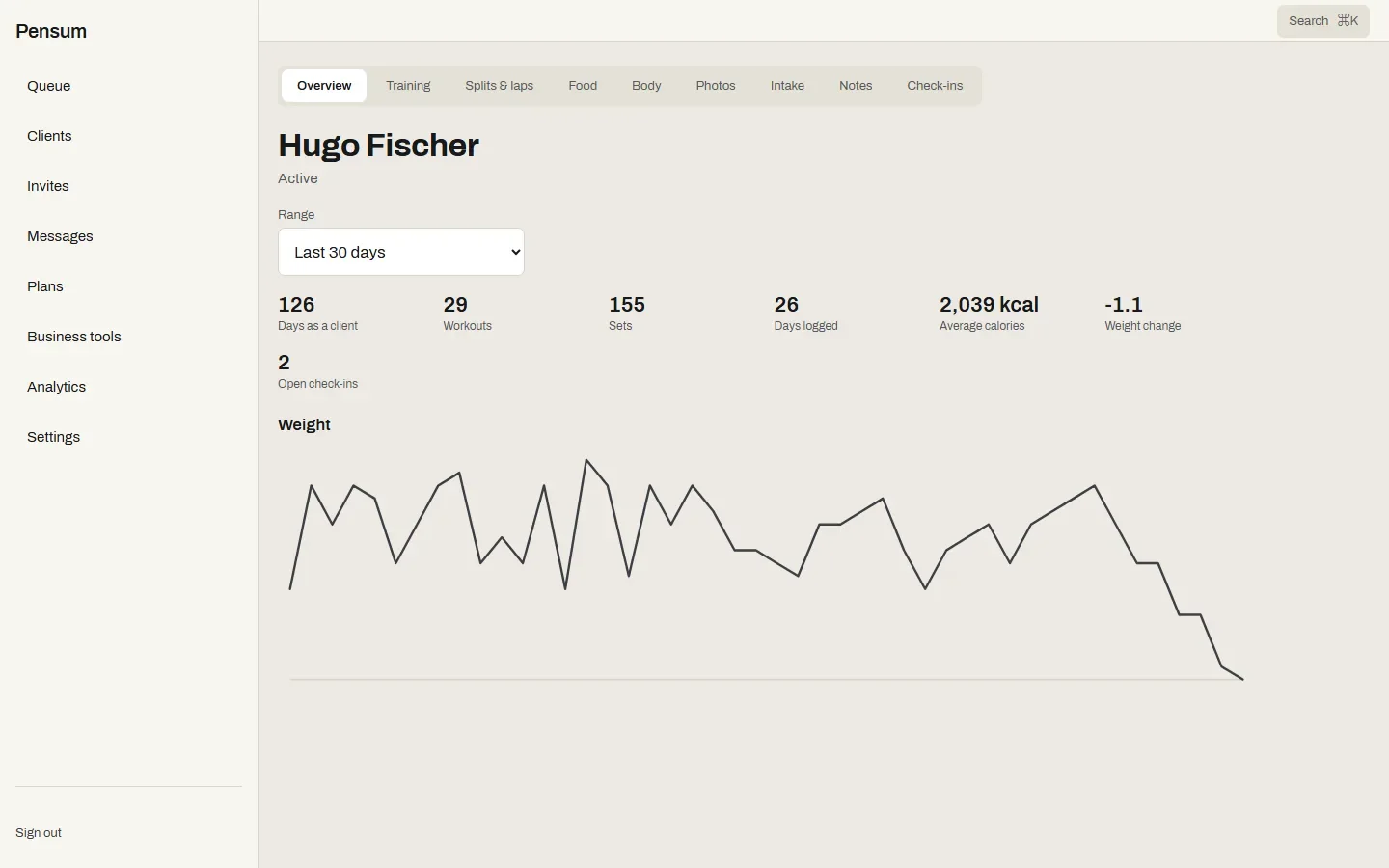
Training, meals, weight, photos and check-ins, as they log them.
Coach clients inside the app they already use.
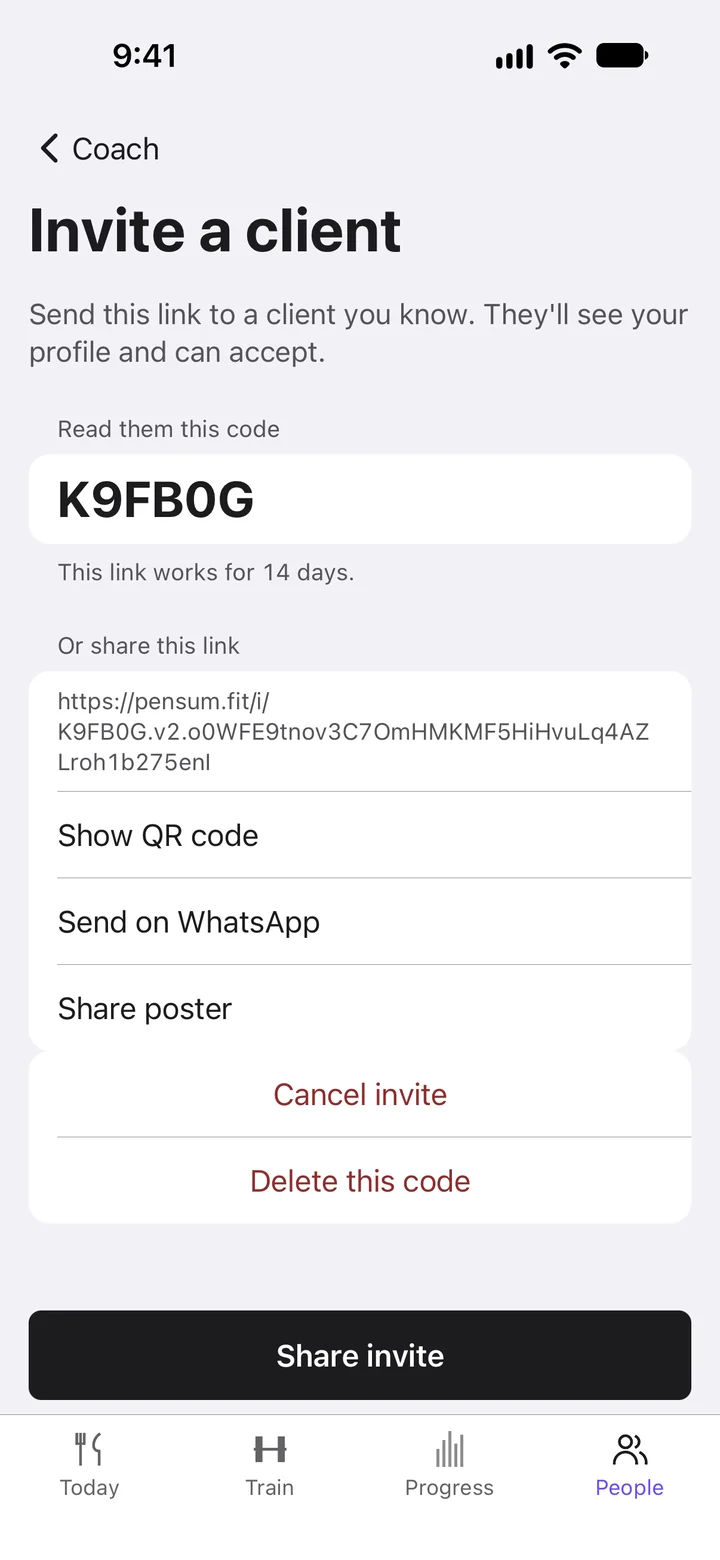
Send a link or a code, or import your clients from a file. Your client joins you in the app.
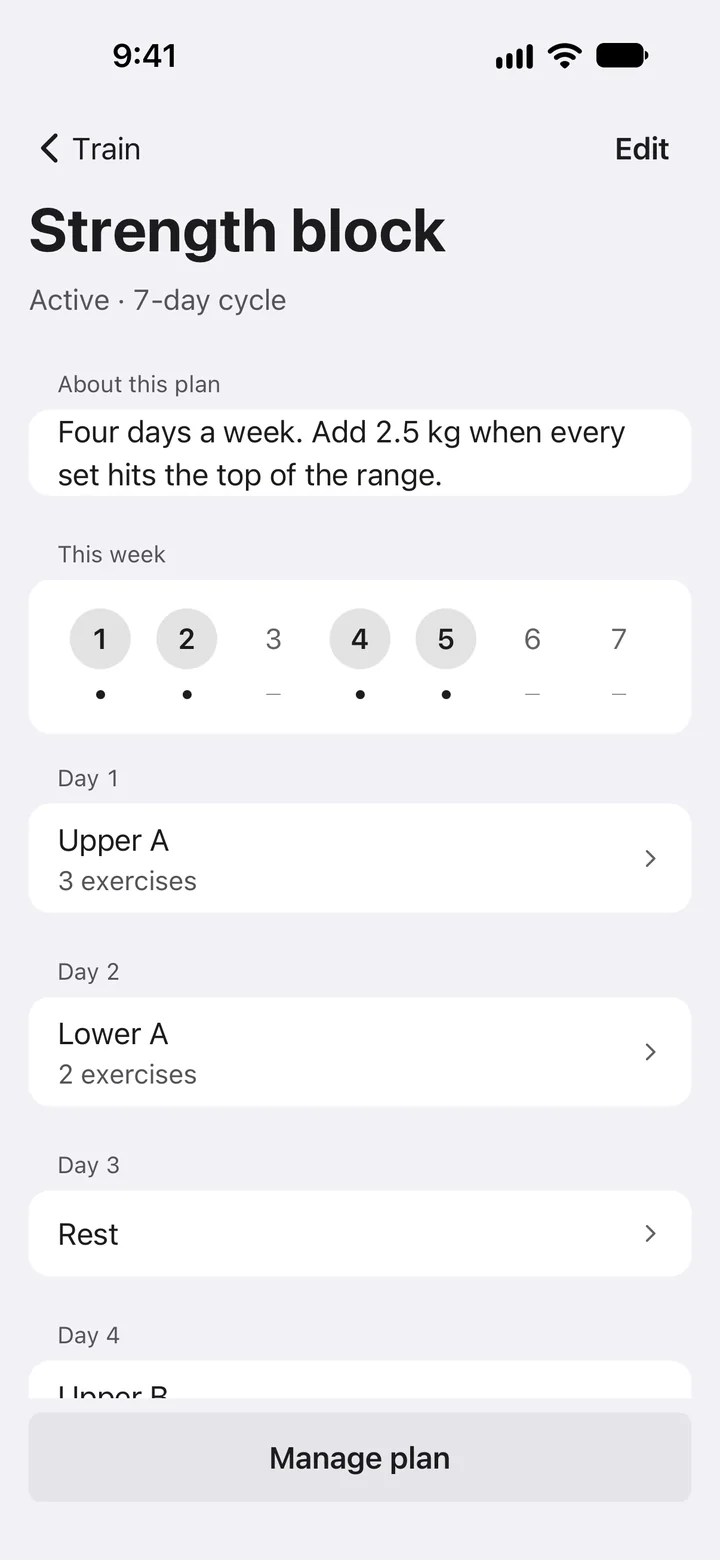
Build the plan once and assign it to one client or many. It appears on their Train tab and on Today.
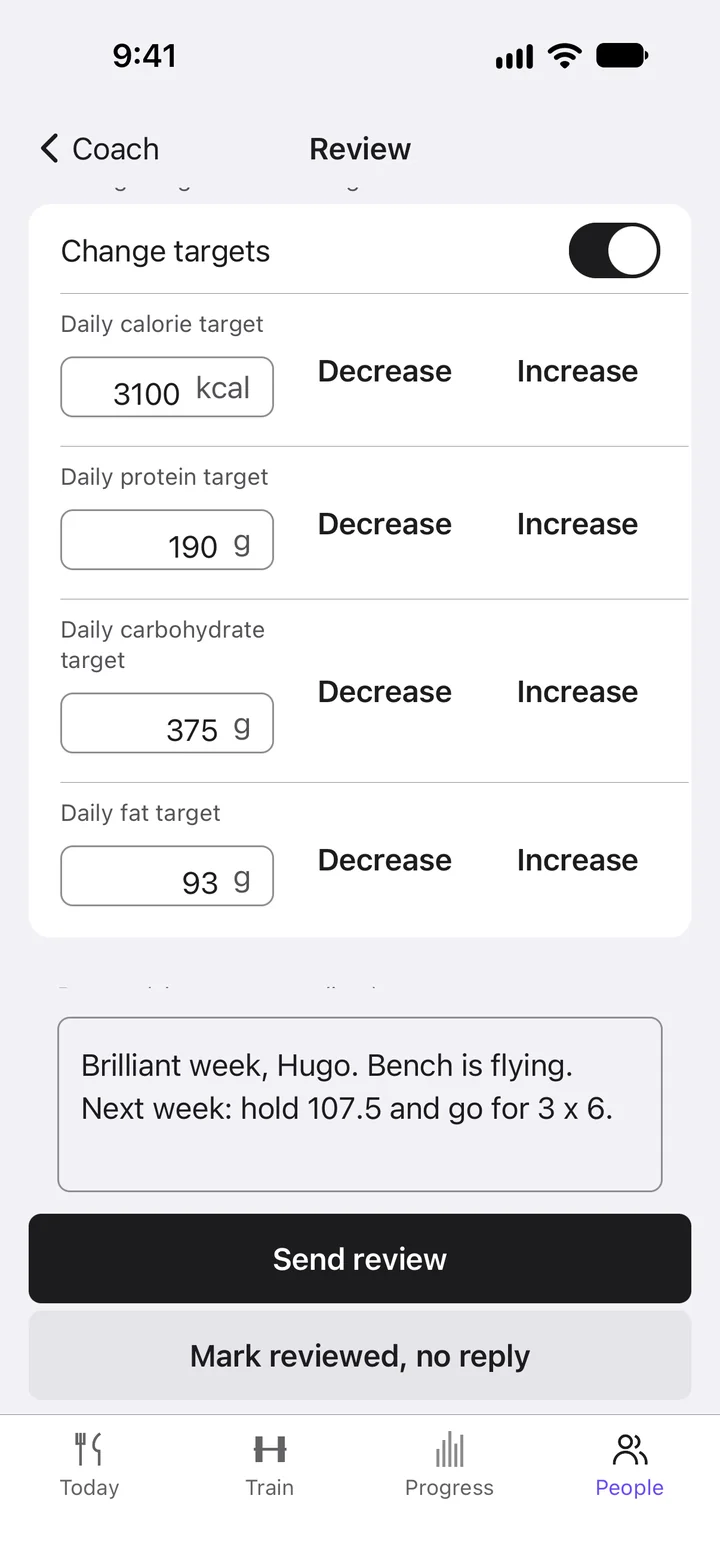
Calories and macros, changed for them in seconds.
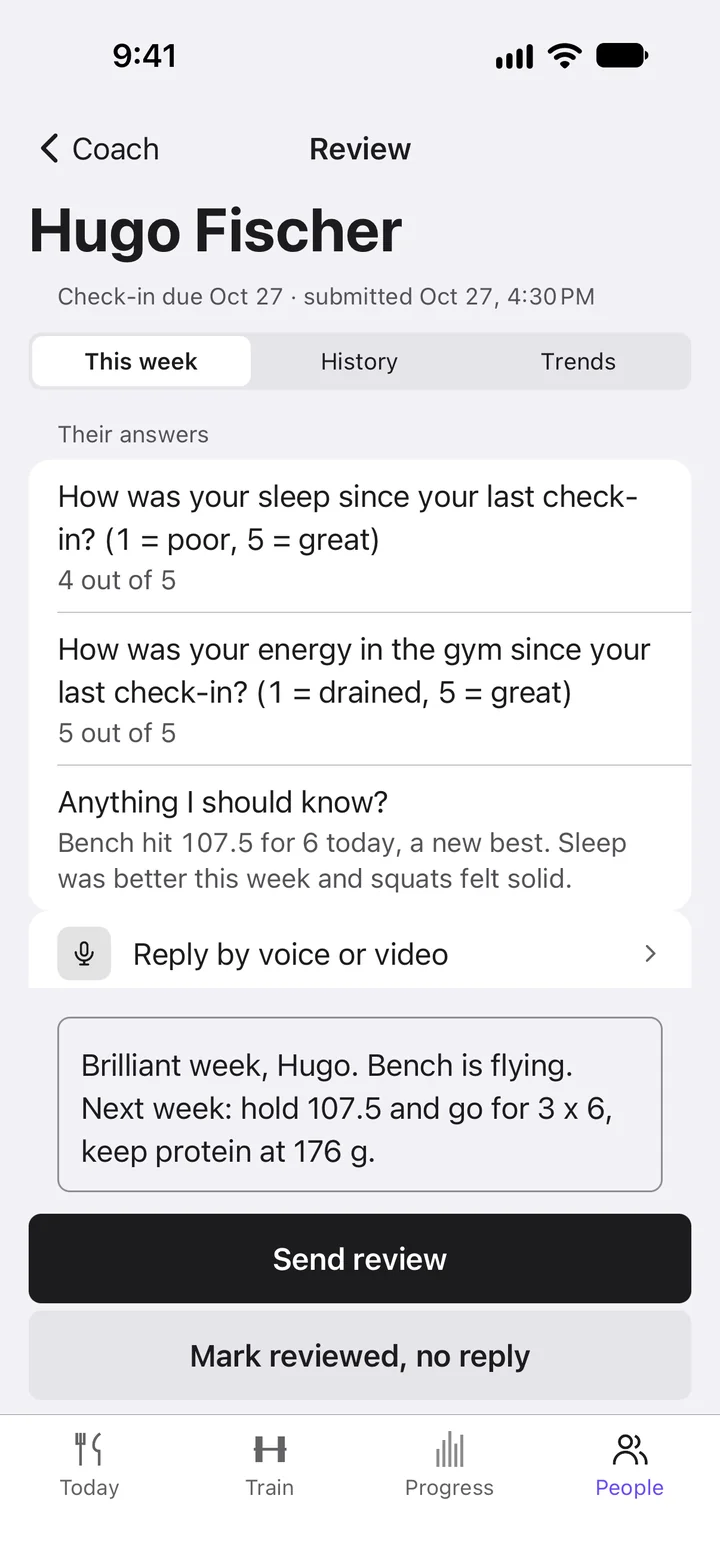
They answer. You review the week next to their numbers and reply.
Messages, voice notes, voice and video calls.
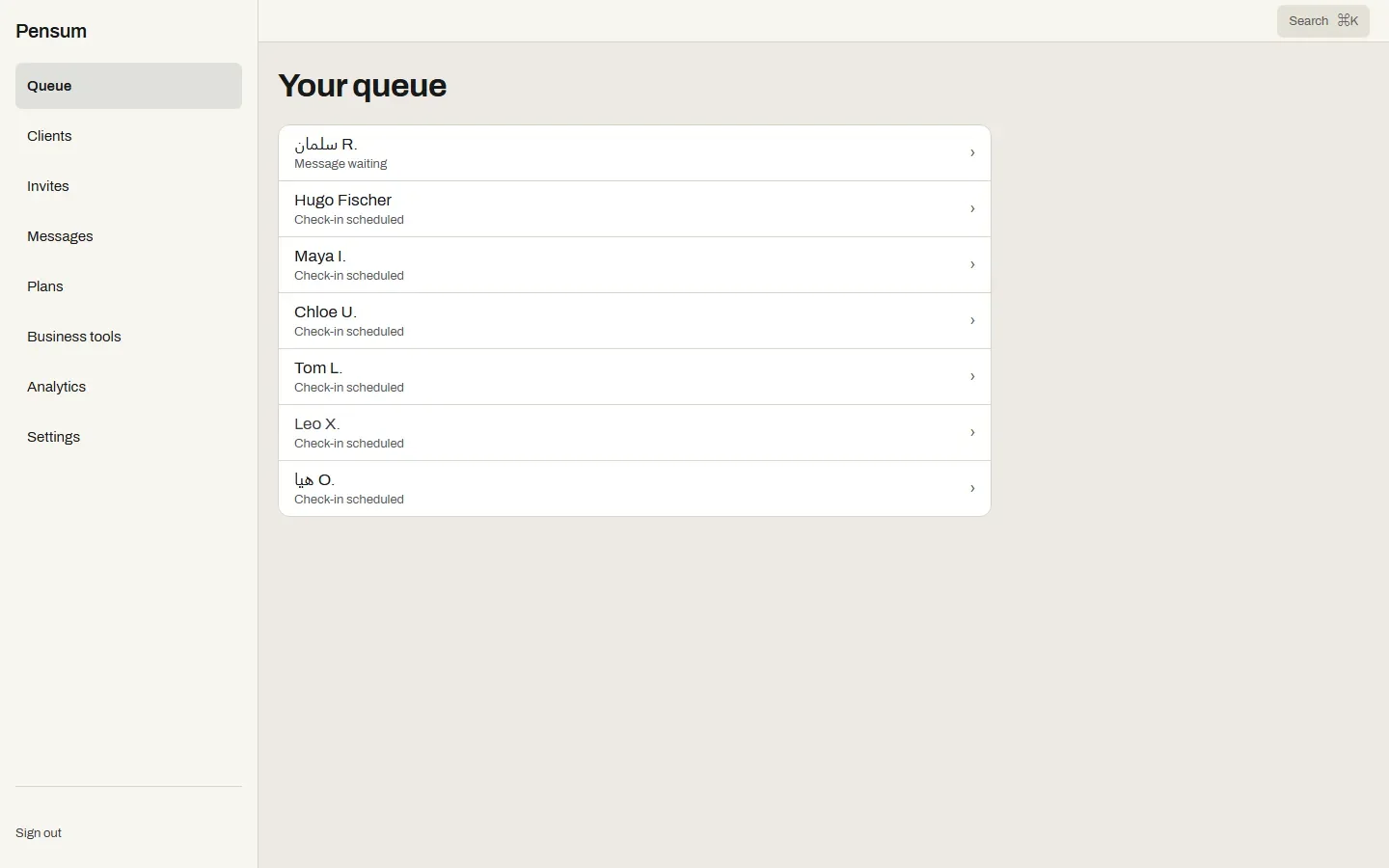
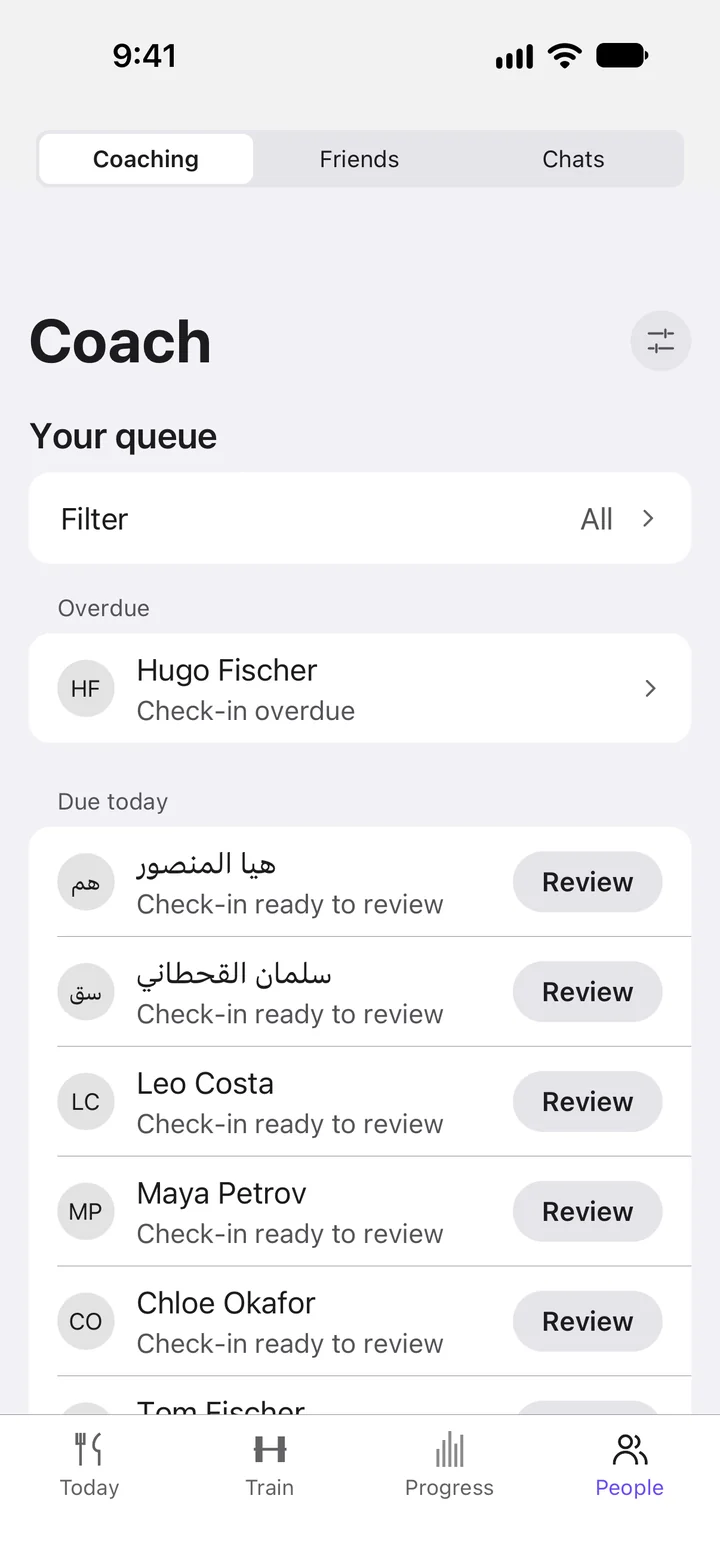
Your queue shows who needs you first.
0%
Add your payment links in Zefro and send them to a client in chat. Zefro takes 0% commission and never handles the money.
In the Zefro app, on your phone or on the web, upload any file: a spreadsheet, PDF, Word document, photo or another app’s export. AI reads it. Their history comes with them.
Progression rules, training blocks with deload weeks, and supersets, circuits, drop sets, AMRAP and EMOM.
Add assistant coaches and head coaches. Growth has 2 seats, Pro 5 and Studio has no limit.
A new client completes an intake with a health check (PAR-Q) and, if you wrote an agreement, signs it with a typed name.
Billed in the phone app. Free for up to 2 clients. Your clients pay nothing.
Free
USD 0 a month
2 clients
Solo
USD 24.99 a month
5 clients
Starter
USD 39.99 a month
10 clients
Growth
USD 99.99 a month
30 clients
Pro
USD 149.99 a month
60 clients
Studio
USD 199.99 a month
100 clients
On Studio, each client above 100 is USD 2.50 a month. Coach plans do not include Zefro+.
Work from your computer too, at app.zefro.app. Questions: contact@zefro.app.
You pick a coach plan in the Zefro app on your phone. It is free for up to 2 clients, and paid plans run from Solo at USD 24.99 a month to Studio at USD 199.99 a month. Your clients pay Zefro nothing. Coach plans do not include Zefro+.
You bring your own checkout, such as Stripe or PayPal: add your payment links in Zefro and send them to a client in chat. Zefro takes 0% commission and never handles the money. When a client has paid, you tap Mark as paid yourself.
Your clients own what they log. While you coach them, you see their training, food and body in Zefro.
They see the plans, targets and replies you send inside the Zefro app they already use, and they can end coaching at any time.
Yes. Cancel your coach plan any time in your App Store or Google Play account.
Free has room for 2 clients, Solo 5, Starter 10, Growth 30, Pro 60 and Studio 100. On Studio, each client above 100 is USD 2.50 a month. Move up a plan when you need the room.
Yes. In the Zefro app, on your phone or on the web, upload any file with your clients in it: a spreadsheet, a PDF, a Word document, a photo or screenshot, plain text, or an export from another app. AI reads it and matches the details, and you check everything before it is imported. It brings over each client’s weights and body measurements, check-in answers and notes, goals, workout programmes and nutrition plans. Then you send each client an invite link, and their history appears in their account when they accept.
Progression rules (a weekly weight or percent change, double progression, percent of 1RM or RPE), training blocks with deload weeks, and supersets, circuits, drop sets, AMRAP and EMOM. Keep your plans in a library with versions, and assign one to many clients at once.
Yes. Team seats let you add assistant coaches and head coaches: Growth has 2 seats, Pro 5 and Studio has no limit. Head coaches see every client and assistants see only the clients you assign them. Your plan pays for the seats.
A new client completes an intake with a health check (PAR-Q) and, if you wrote an agreement, signs it with a typed name. You can also set daily habits for them, and Zefro can send a welcome message and check-in reminders for you.